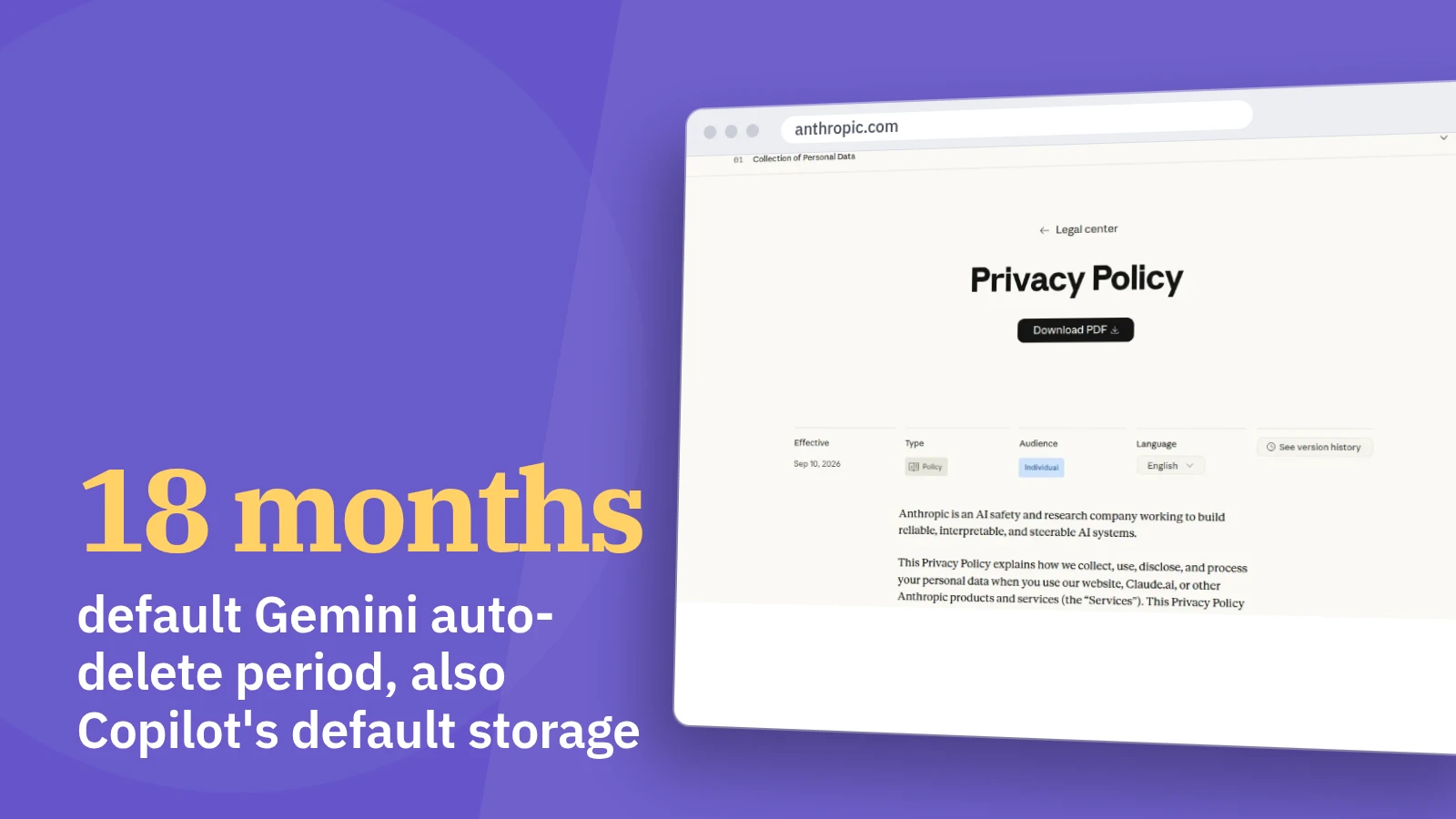
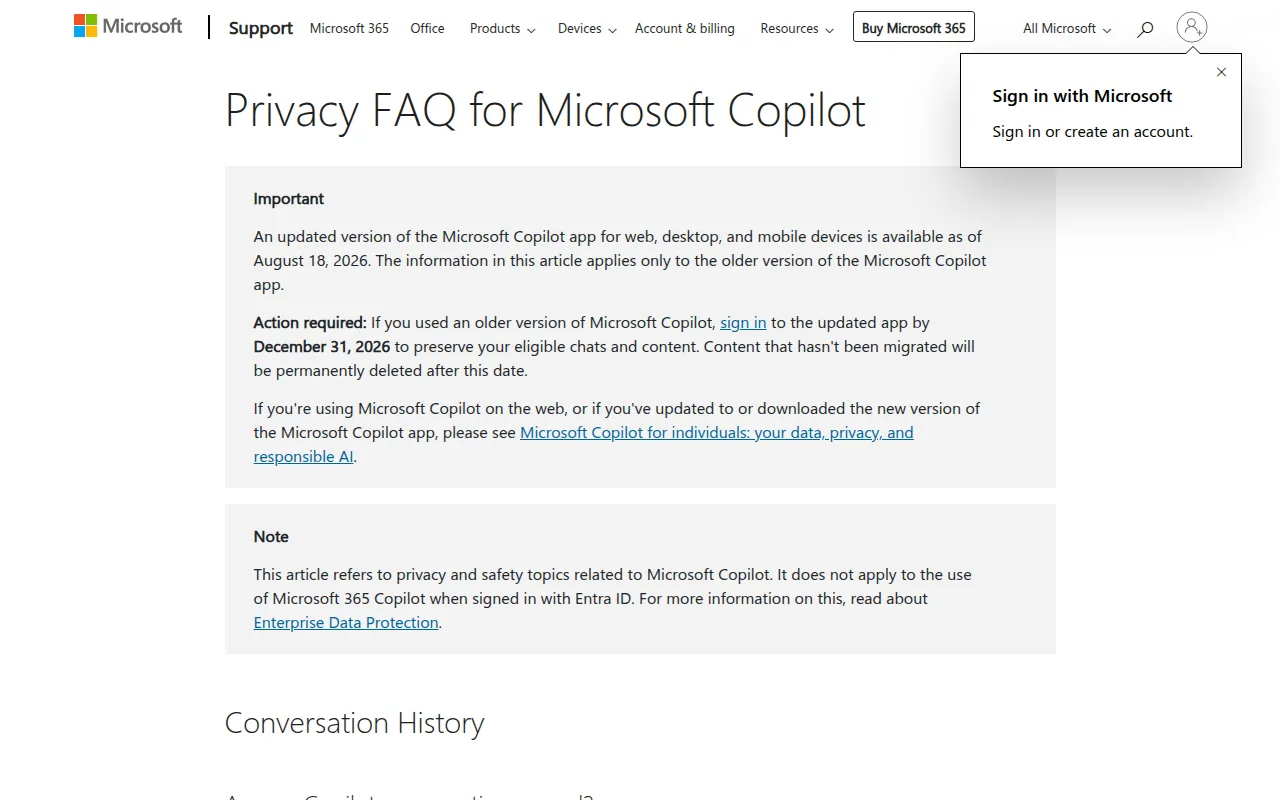
Whether a resume is safe in a chatbot depends on the assistant’s settings: four of the five privacy pages describe an opt-out from model training, and the retention periods differ widely. Microsoft’s Copilot FAQ, which it says applies only to the older version of the Copilot app, says conversation activity is stored for 18 months by default, and Google’s Gemini Apps Privacy Hub says history is automatically deleted after 18 months (support.microsoft.com, support.google.com). Anthropic’s policy says deleted conversations leave its back-end within 30 days, while DeepSeek’s policy says personal data is kept as long as you have an account (anthropic.com).
The five privacy pages side by side
| Assistant page | Read on | Used to train models | How to opt out | How long chats are kept | Deleting your chats |
|---|---|---|---|---|---|
| Gemini Apps Privacy Hub | Gemini Apps Privacy Hub | Depending on your settings, Google also uses your history to train generative AI models and personalize your experience. | You can stop your future chats from being reviewed to train generative AI models anytime in your Gemini History settings. | Your history is automatically deleted after 18 months. | You can also manually delete your Gemini Apps chats anytime. |
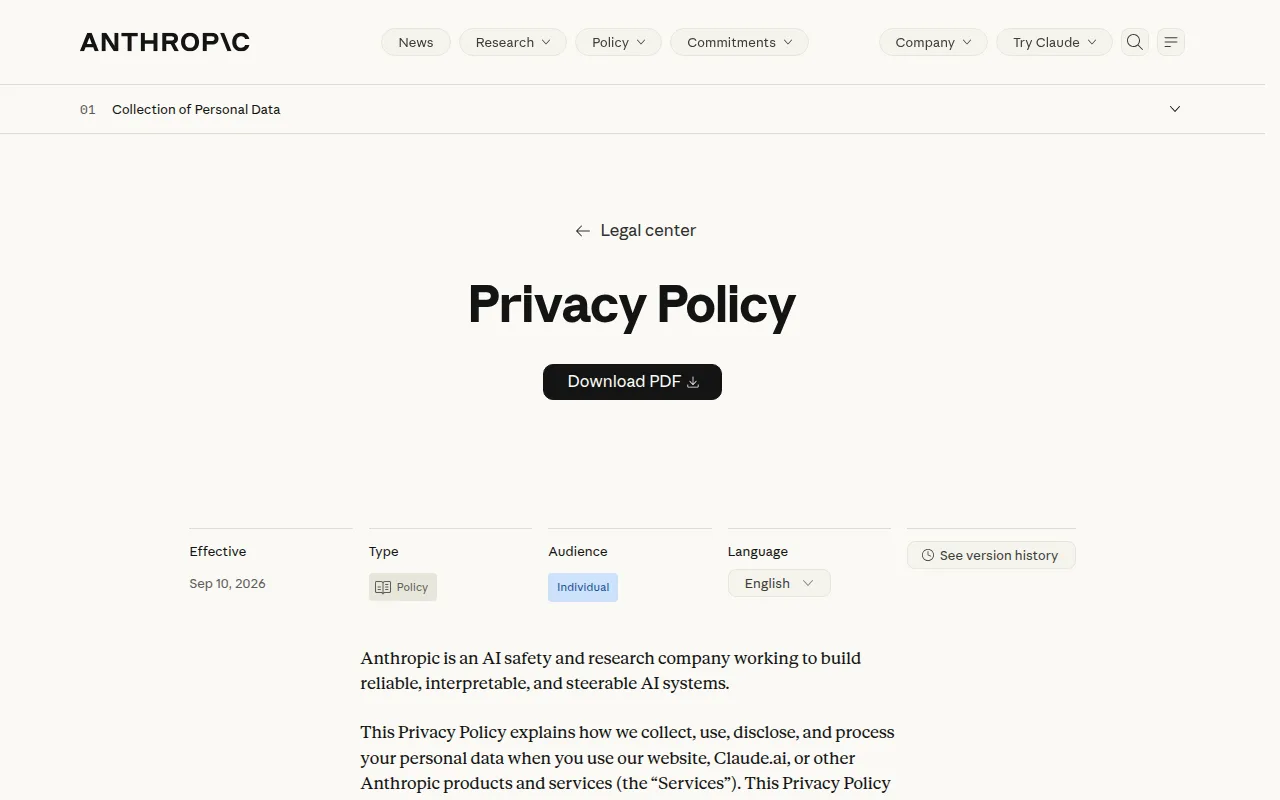
| Privacy Policy \ Anthropic | Anthropic privacy policy (Claude) | We may use your Inputs and Outputs to train and improve Anthropic AI models | unless you opt out through your account settings | — | You also are able to delete individual conversations, which will be removed immediately from your conversation history and automatically deleted from our back-end within 30 days. |
| Privacy FAQ for Microsoft Copilot | Microsoft Copilot privacy FAQ | Train our generative AI models to create a better experience for you and others. | You can opt out of use of your conversation activity for model training at any time. | By default, we store conversation activity for 18 months. | Yes, you can delete individual conversations or your entire conversation history at any time. |
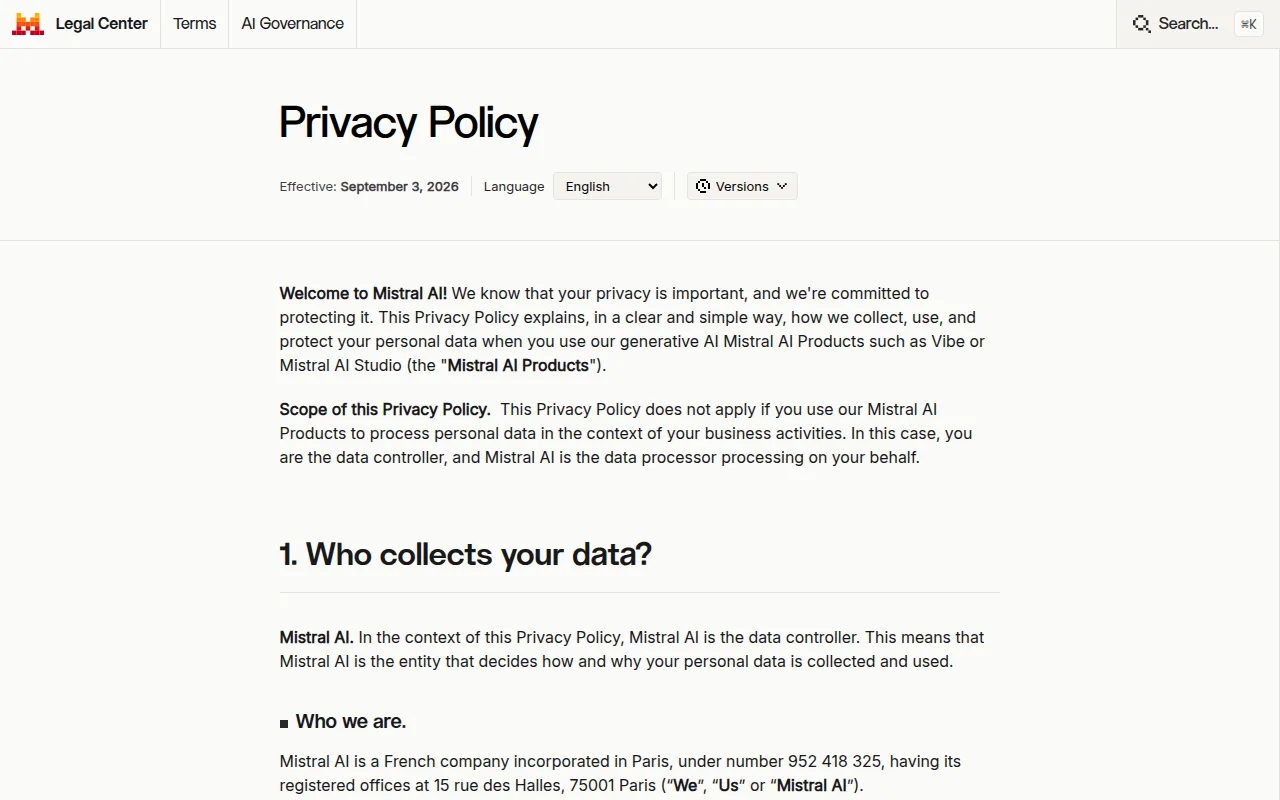
| Privacy Policy | Mistral AI privacy policy | — | We’ve introduced a user control which allows you to object to the use of your input and output data for model training directly from your account. | we keep your Input and Output until you delete your account or until you delete the conversation from Vibe. | — |
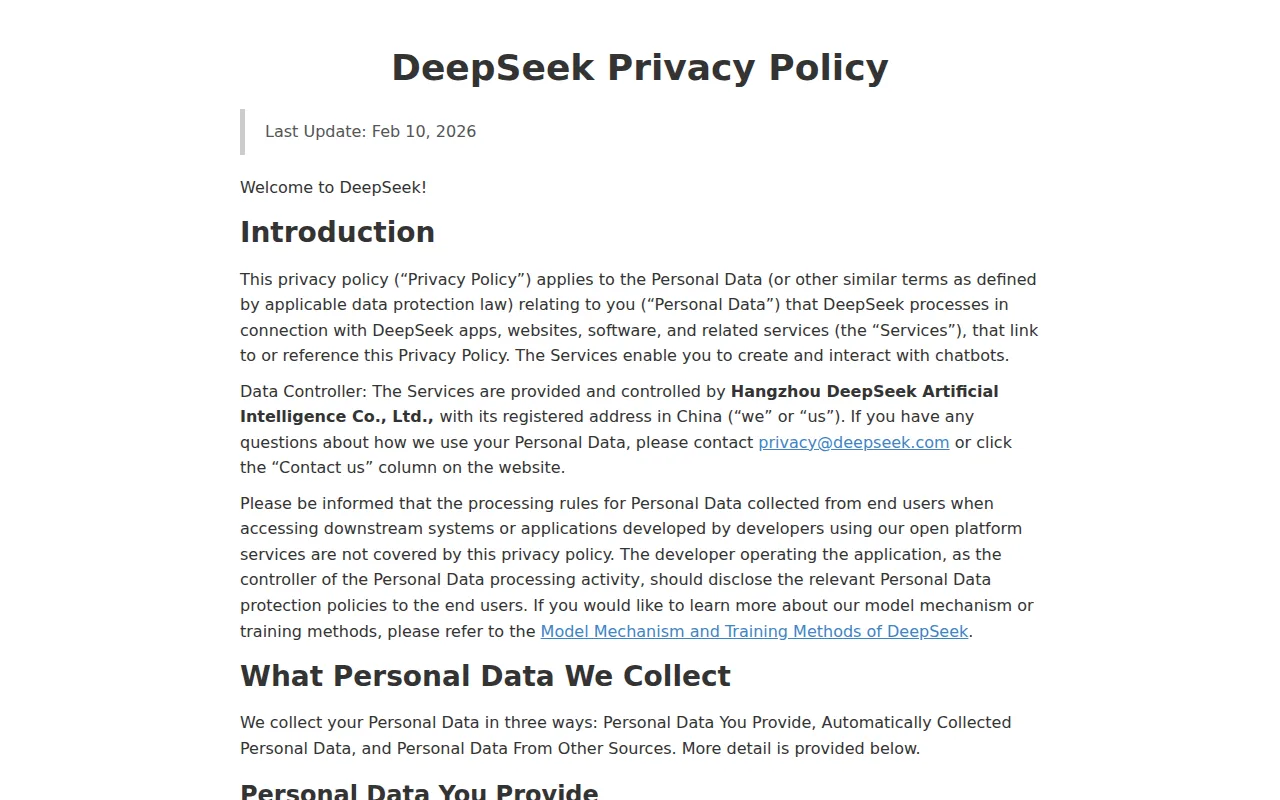
| DeepSeek Privacy Policy | DeepSeek privacy policy | — | — | we keep this Personal Data for as long as you have an account | you can manage your chat history. Should you choose to do so, you may also copy or delete your chat history via your settings. |
The table lists, for each assistant, what its own privacy page says about training on chats, how to opt out, how long chats are kept and how to delete them. A dash means that no line on the page gave that value in a form the code could match, so read an empty cell as a gap in the extraction rather than as a rule.
Gemini Apps show 18 months as the default auto-delete period, and the older Copilot app’s FAQ gives 18 months as its default storage period; both pages describe a way to delete chats manually. Copilot’s FAQ says you can delete individual conversations or your entire conversation history at any time. Claude pairs a training default with an account-settings opt-out, and its deletion cell is the only one that gives a back-end deadline of 30 days. Mistral and DeepSeek both tie retention to the account rather than to a fixed period, so a resume stays until you act.
Training on your chats and how to stop it
Anthropic’s privacy policy says it may use your Inputs and Outputs to train and improve its models unless you opt out in your account settings. Mistral’s policy says Input and Output are used subject to the user’s opt-out, and it describes a control in the account that lets you object to training use (legal.mistral.ai). On Microsoft’s Copilot FAQ, the stated purpose includes training its generative AI models, and you can opt out of using your conversation activity for training at any time.
Google’s hub says that, depending on your settings, your history is also used to train generative AI models, and that you can stop future chats from being reviewed for that purpose in Gemini History settings. The Copilot FAQ separately says images captured with Copilot Vision are not used to train AI models. For a resume, which is mostly text, that Vision statement does not cover what you type or paste into a chat.
Retention and deletion periods
Google’s Gemini Apps default auto-delete setting is 18 months, and the Gemini Apps Privacy Hub says it can be changed to 3 months, 36 months, or indefinite. A shorter setting means a resume pasted today leaves your history sooner, while the indefinite choice does the opposite. Google’s page also says that with Gemini History off, future chats are still saved for around 2 months and used to respond, process feedback and protect users, with help from human reviewers. Chats that human reviewers have looked at are retained for up to three years, according to the same hub.
Anthropic’s policy says a deleted conversation disappears from your history immediately and is deleted from its back-end within 30 days. Mistral’s policy says it keeps Input and Output until you delete your account or delete the conversation. DeepSeek’s policy says it keeps personal data for as long as you have an account, and that you may copy or delete your chat history through settings.
The practical gap is between assistants with a stated default timer, such as Gemini Apps at 18 months and the older Copilot app at 18 months, and those where the clock depends on your own deletion.
Where DeepSeek stores your data
DeepSeek’s privacy policy says it directly collects, processes and stores your personal data in the People’s Republic of China (cdn.deepseek.com). Since DeepSeek’s policy says it stores personal data in the People’s Republic of China, a resume with a name, contact details and work history would be kept there if you paste it into that assistant. Retention on DeepSeek lasts as long as the account exists, which makes deleting chats, or the account, the main lever you have.
Steps to take before pasting a resume
If you use Claude, Copilot, Mistral or Gemini Apps, open the account settings and use the training opt-out first, since their pages describe one. With Gemini Apps, choose an auto-delete period that suits you, and remember that the page describes a short saving period and human review even with History off. When you finish, delete the conversation: Copilot, Claude and Gemini Apps all describe a way to do that.
How we built this
Guide tableWhat five AI assistants say they do with your chats: training, opting out, retention and deleting them
Every cell was read on the official page named in the column "Read on", on 2026-11-19: each value was taken with the line of the page that holds it, and our code kept it only when that line is on the page and holds the value word for word. An empty cell means no line of the page gave that value in a form our code could match.
Sources
The sources this article was written from. Links open the original page.
- support.google.comGemini Apps Privacy Hub - Gemini Apps Helpsupport.google.com
- anthropic.comPrivacy Policy \ Anthropicanthropic.com
- support.microsoft.comPrivacy FAQ for Microsoft Copilot | Microsoft Supportsupport.microsoft.com
- legal.mistral.aiPrivacy Policylegal.mistral.ai
- cdn.deepseek.comDeepSeek Privacy Policycdn.deepseek.com